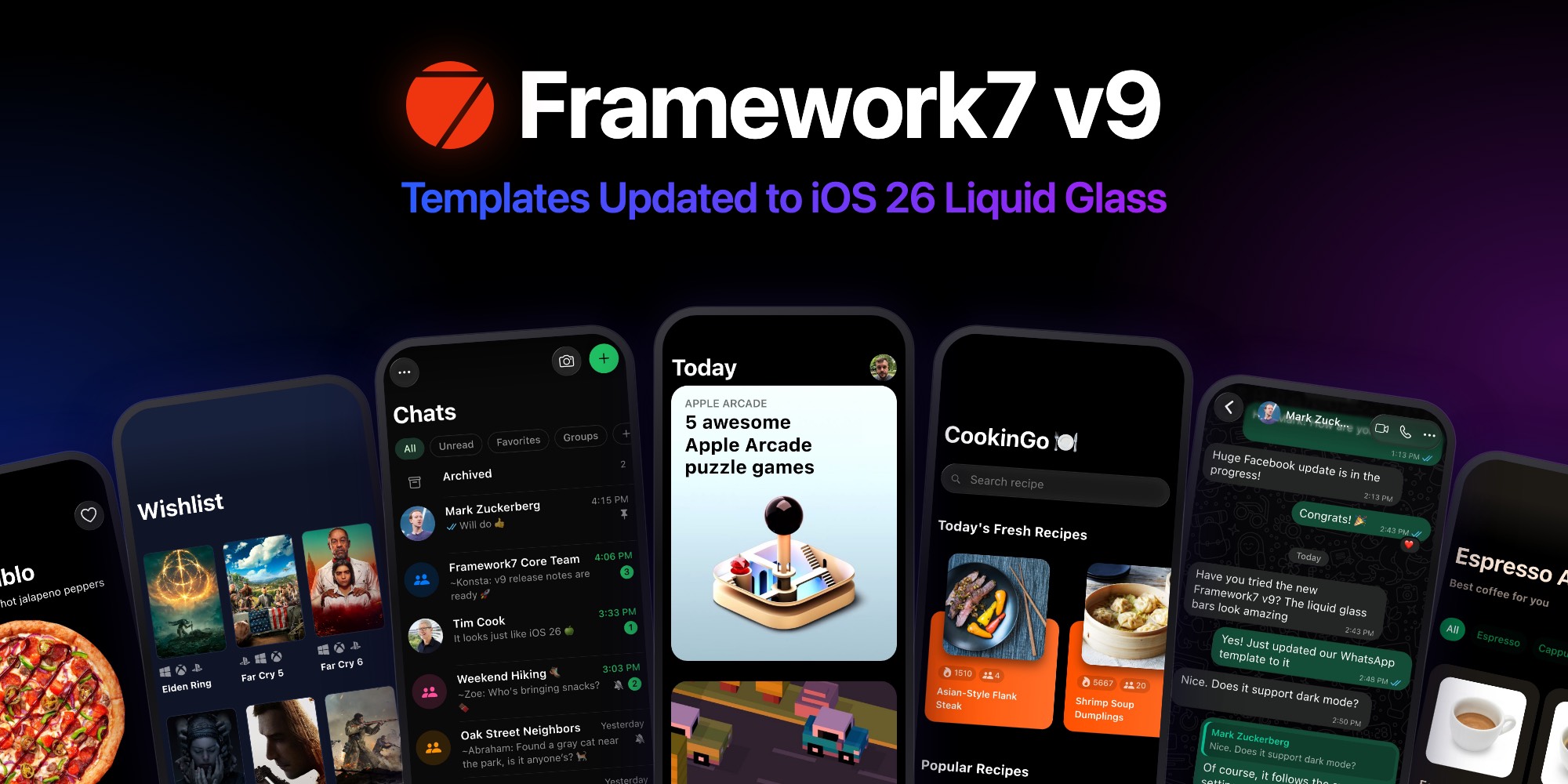
Framework7 v9 brings the latest iOS 26 design to your web apps: translucent liquid glass navbars, toolbars and tabbars, round glass buttons, and refreshed components across the board.
Today we're releasing an update to all UI Initiative Framework7 app templates. They now run on Framework7 v9 and look right at home next to native iOS 26 apps.
Updated Templates
- App Store – iOS App Store UI made with Framework7 & React
- WhatsApp – WhatsApp UI made with Framework7 & React
- Backlogger – keep track of your video games
- CookinGo – full-featured recipe search app
- Espresso App – coffee shop mobile app
- Seven Burger – fast food delivery app
Open any of them in the catalog to try the live demo.
Liquid Glass Everywhere
Every template now uses the new Framework7 v9 iOS theme. Navbars, tabbars and toolbars float above the content as liquid glass, with the page scrolling beneath them, and buttons, searchbars, sheets and popovers follow the iOS 26 look.
App Store and WhatsApp, Redesigned
App Store and WhatsApp didn't just get the new theme. We rebuilt them after their current iOS 26 versions.
App Store got chevron section titles, category chips, featured cards with an app bar, pill "Get" buttons, an Arcade tab with a glass hero, a new Search with suggested apps and a Browse grid, and inset Account lists.
WhatsApp now has the Updates, Calls, Communities, Chats and You tabs in a glass tabbar. Chats come with filters, an archive, pinned, muted and unread chats, and working swipe actions. Messages got tail-less bubbles with inline time and read ticks, day separators, replies, reactions, group senders and call messages. There's also a brand new Communities tab and Group info page, along with redesigned Updates, Calls, You, Contact info, Camera and New chat screens.
A Modern Toolchain
Under the hood, all templates moved to an up-to-date stack:
- Framework7 v9
- Vite 8, so
npm run devandnpm run buildwork on current Node.js versions out of the box - Swiper 12 where sliders are used
- React 19 for App Store and WhatsApp
How to Get the Update
If you already own a template (or have All-access), just download it again from its catalog page or from "My Purchases" in the user menu. As always, updates are free for life.
If you've built your own app on top of an older version, compare it with the fresh download and check the Framework7 documentation for the changes that matter to your project.
Don't own them yet? Each template is available on its own, or get all of them, plus every Swiper slider and plugin, with All-access.
Thank you for being part of the UI Initiative community!